Claude Code
 Codex
 OpenCode
[01]

Your agents, working
side by side.
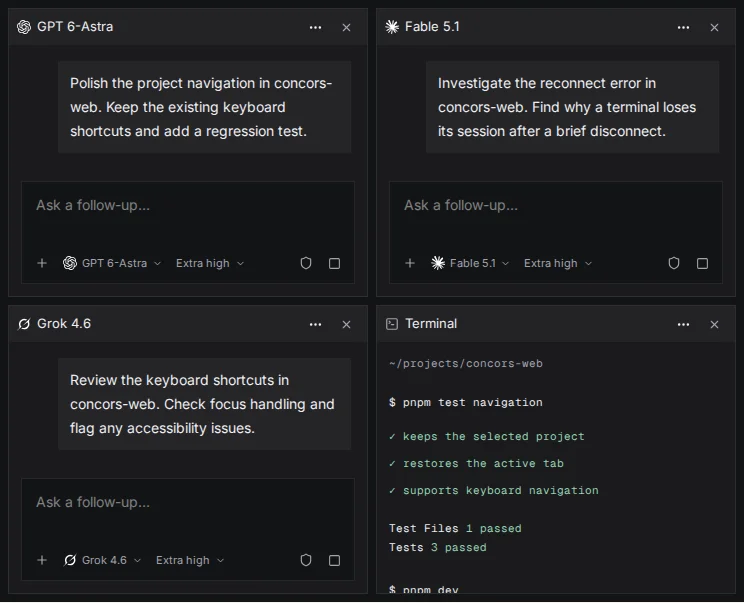
Codex implements a feature. Claude Code investigates a bug. A terminal runs tests, and your dev server stays up. Keep them together in the same project.
Agents / Terminals / Servers
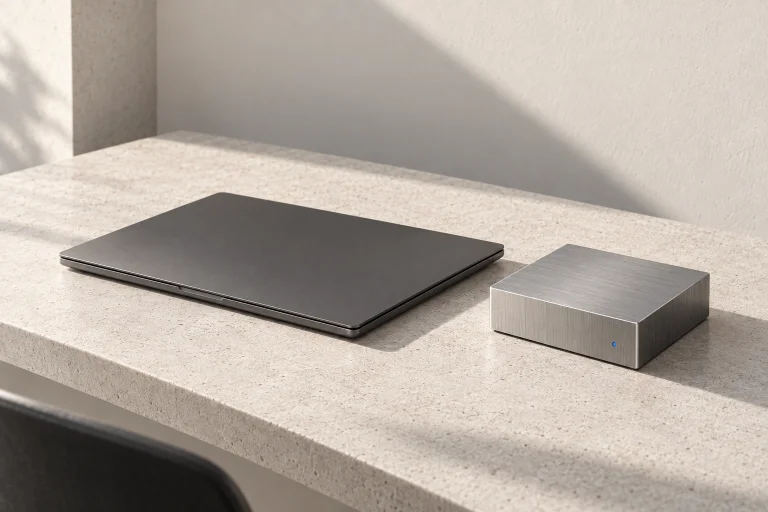
Run Claude Code, Codex, and OpenCode on a persistent cloud development machine.
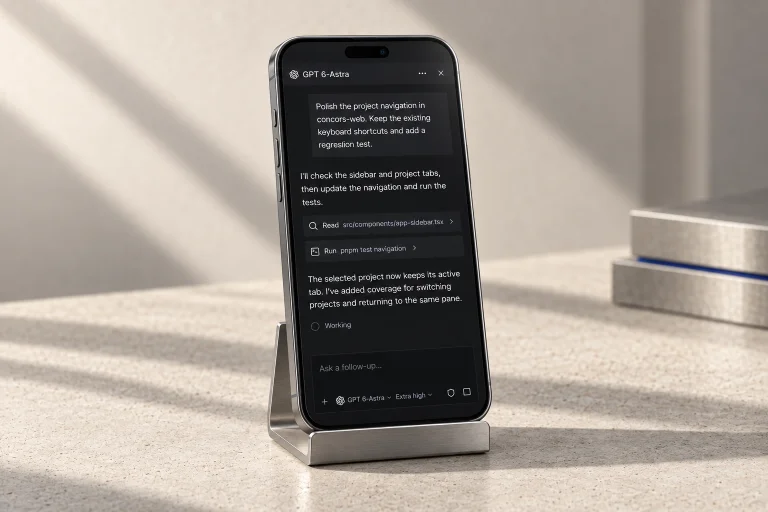
Manage them from one client on your desktop and your iPhone.
I’ll check the sidebar and project tabs, then update the navigation and run the tests.
Projects → tabs → panes
Selection is stored per project.
✓ sidebar selection
✓ keyboard navigation
2 tests passed
The selected project now keeps its active tab. I’ve added coverage for switching projects and returning to the same pane.
I’ll trace the reconnect path and check how terminal sessions are restored.
Reconnect → restore session → attach terminal
✓ session restored
✓ terminal reattached
2 tests passed
The reconnect path was opening a new terminal. I’ve reproduced it and am checking the session ID before reattaching.
Should reconnects retry silently or show a notice?
I’ll review the key bindings and check that focus returns to the selected pane.
Keyboard event → command → focus selected pane
✓ shortcut dispatch
✓ focus restoration
2 tests passed
The shortcuts preserve focus when switching tabs. I’m checking the remaining bindings for conflicts with text inputs.
~/projects/concors-web
$ pnpm test navigation
✓ keeps the selected project
✓ restores the active tab
✓ supports keyboard navigation
Test Files 1 passed
Tests 3 passed
$ pnpm dev
VITE ready in 184 ms
Local: http://localhost:5173/
Working in Concors
One interface for agent sessions, terminals, and servers. At your desk and on your iPhone.
Codex implements a feature. Claude Code investigates a bug. A terminal runs tests, and your dev server stays up. Keep them together in the same project.
Agents / Terminals / Servers
Agent sessions, tests, and servers run on the remote machine. Disconnect your laptop and leave them running.
Work keeps running
See which agents are working, need input, or are done. Use the mobile app to type a reply or dictate your next instruction. Same running sessions, wherever you are.
Mobile app / Voice dictation
Get the iOS appInside the client
Every agent, in the sidebar. See who’s working, asking a question, finished, or hit an error. Jump into a session when it needs your attention.
Activity badges / Unread updates / NotificationsExplore the demoWhat keeps the work running
One persistent environment for ongoing work, not a fresh sandbox for every task. Installed tools stay installed. Your repos, databases, servers, and agent sessions live together. Open a shell whenever you need it.
Concors Cloud / Managed for you
A few things to know
Open a session. Bring another agent into the same project.